
Welcome to Adobe Experience Manager Assets Essentials
Get started with Assets Essentials in Six Easy Steps
Assets Essentials Quickstart Guide
1
Add and manage users
Administrators will receive an email with a link to access the Adobe Admin Console. This is the unified console for user management: manage permissions, product profiles and other capabilities across Adobe products.
View the Admin Console guide to onboard users.
2
Setup folder hierarchies
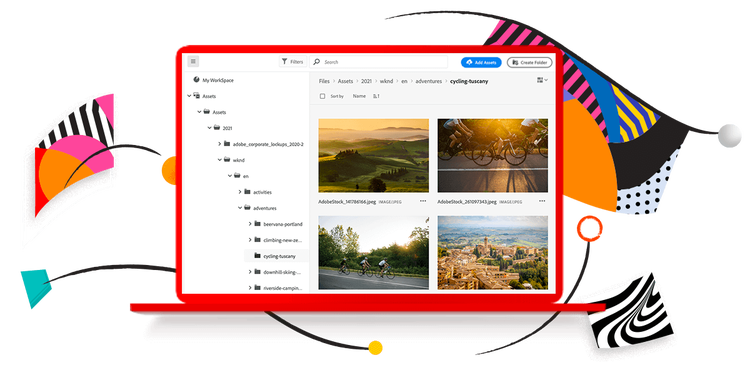
Next, define workspaces and organize assets through folders. Content grouped by campaign, asset type, or team usage helps organize the DAM directory structure. The more organization, the easier it is for groups to work.
Learn more about asset management and capabilities in Assets Essentials.
3
Add Assets and content
After you define folder hierarchies, add assets to each area via the Add Assets button or simply drag-and-drop. You can even upload entire nested folder structures from your personal computer through the Add Assets dialog
Learn more about adding assets to the repository
4
Create Collections
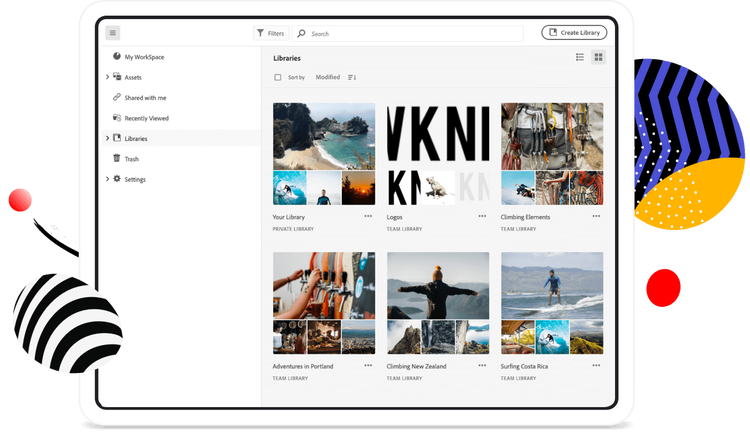
Users may create a collection - a curated set of assets from different directory (folder) areas - and assign permissions for working groups. Collections are helpful across different stages of the asset lifecycle. This set of files may be used to iterate on creative materials or help assemble brand assets for use across groups.
Learn more about managing collections.
5
Manage permissions
Each folder and set of collections can have different permission sets. You can add permissions based on the group of assets with Owner, Editor, or Reviewer privileges. This ability allows you to determine the access rights for each set of assets for sophisticated collaboration and thoughtful sharing.
Learn more about managing permissions for folders & best practices.
6
Download and share
Each asset and folder of content may be downloaded with the corresponding renditions. Every processed file also has the option to share to other users for ongoing collaboration. As you upload assets to Assets Essentials, your team has the opportunity to include other users to reuse, edit, or annotation to the files on hand.
Learn more about asset management tasks and sharing links to assets across teams.
Learn more about Experience Manager Assets Essentials.
/assets-essentials/en/footer.html