Work faster and smarter by using the right apps for your creative flow.
Different apps have separate strengths — and you can use them together to design faster and more efficiently.
Explore an example multi-app workflow…
1. Image editing
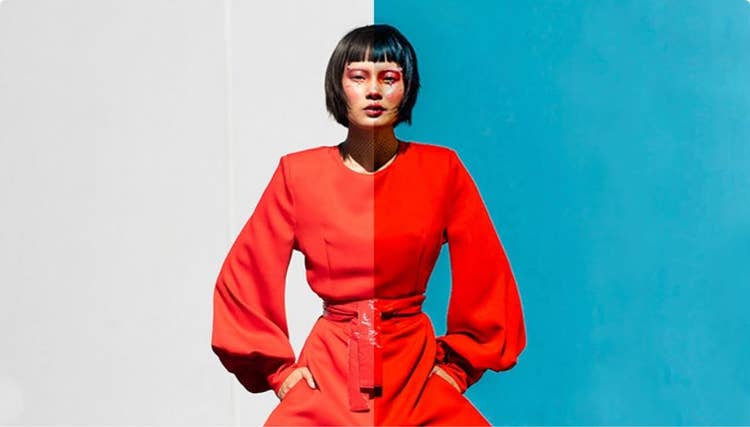
Countless presets make it easy to improve an image and edit to perfection. edited
2. Creative touches
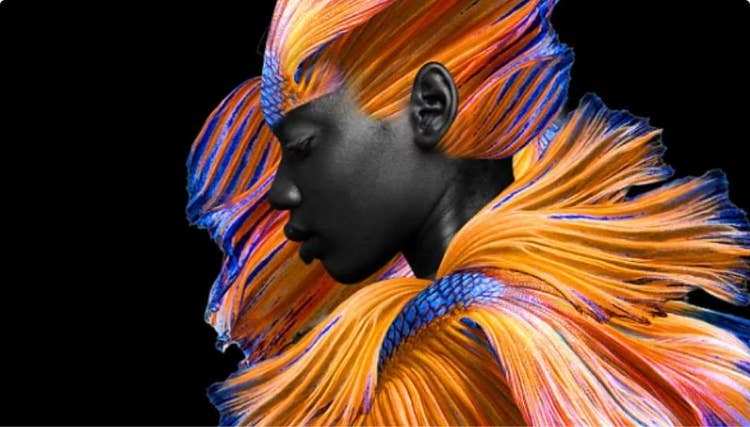
Use creative effects to make a dramatic change — like removing a background.
3. Build the layout
Add text and make a design ready for print with scalable vector graphics.
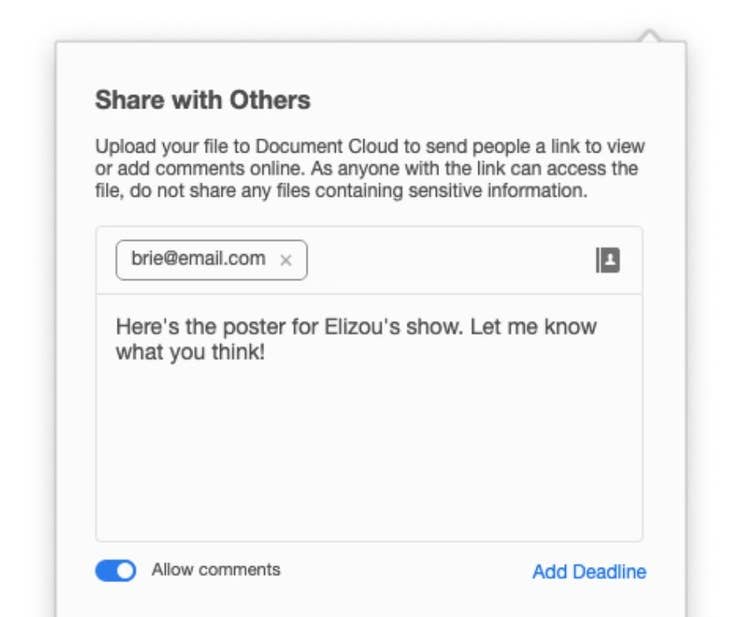
4. edit for review
Share your design with your team to collaborate and edit on the go.
Every design goal and creative task has an app to match. Here’s how to find the right app based on your interest.

Graphic design
- Creating posters and flyers
- Designing business cards
- Developing patterns

Enhance and edit your photos with tools that work well for beginners and professionals alike.
Build your skills.
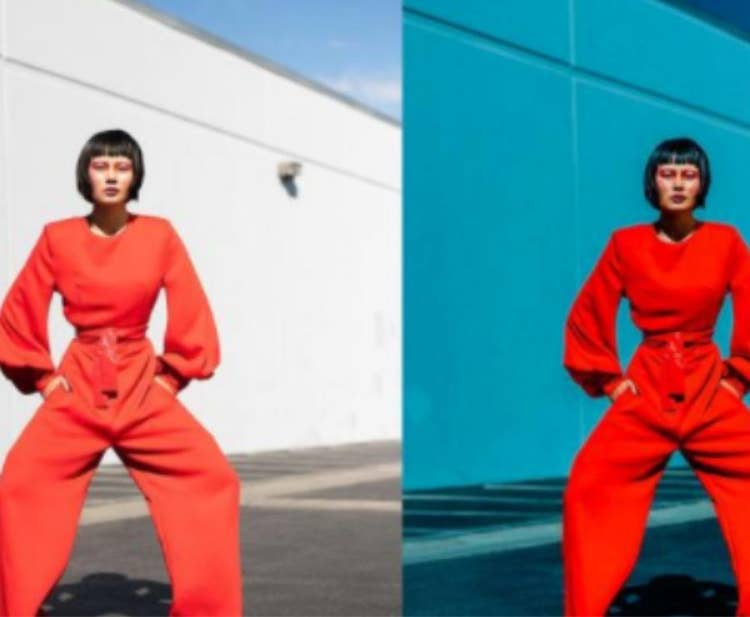
Make color pop

Remove distractions
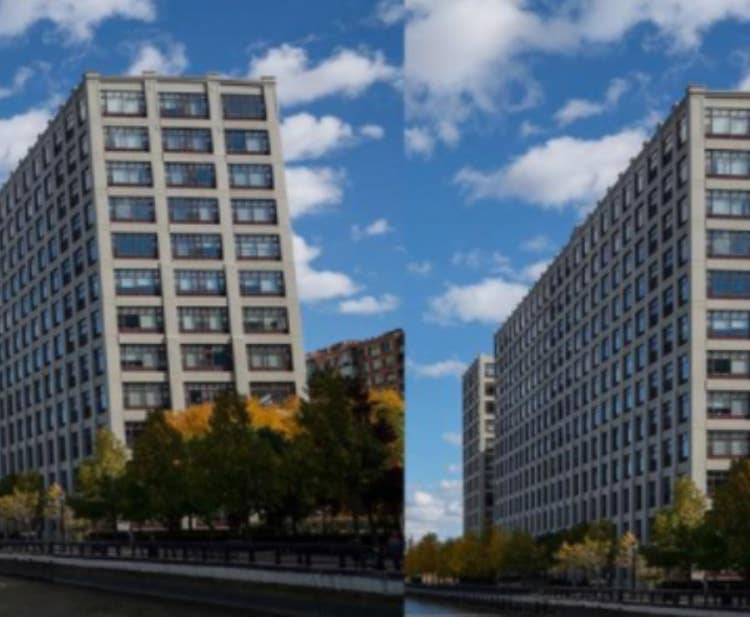
Correct distortions
Transform photos into something amazing with powerful creative effects and retouching tools.
Build your skills.

Remove and replace a background
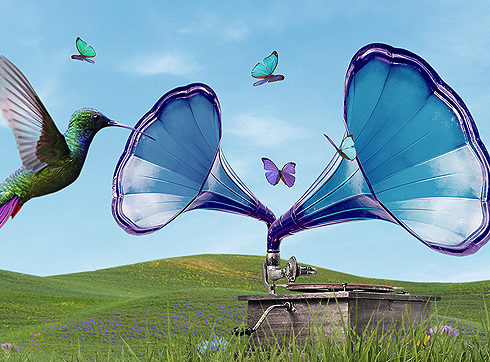
Get to know layers
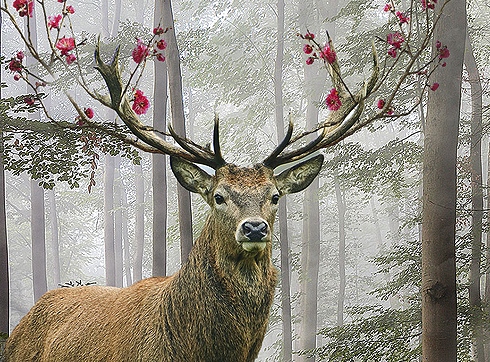
Combine images to create a composite
Create posters, logos, and business cards. Scale them to any size you want without losing quality thanks to vector-based editing.
Build your skills.

Building a logo
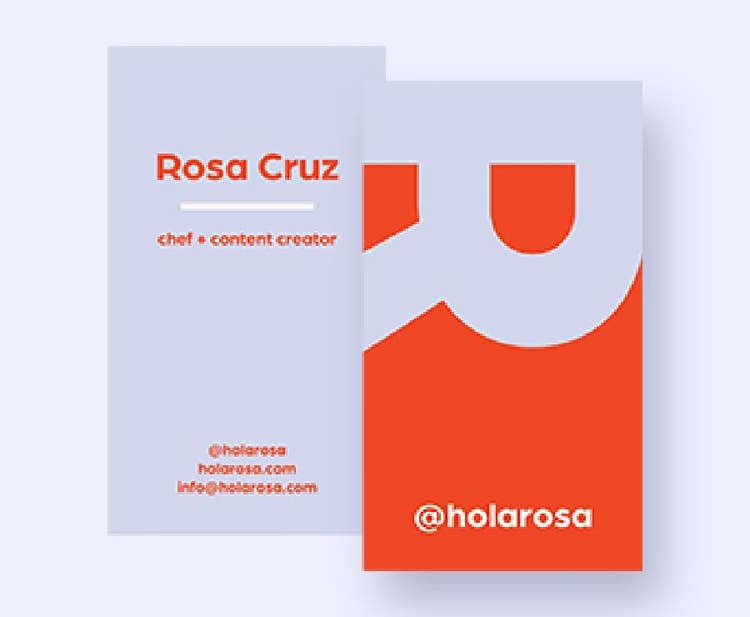
Creating a business card

Designing a flyer

Review, edit text, and easily share your PDFS on both desktop and mobile devices.
Try out your tools.
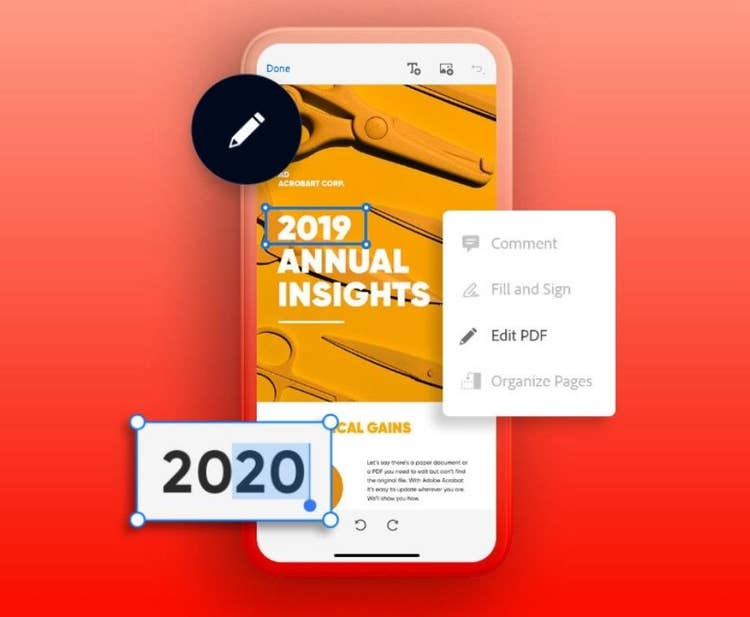
Edit text and images in PDFS
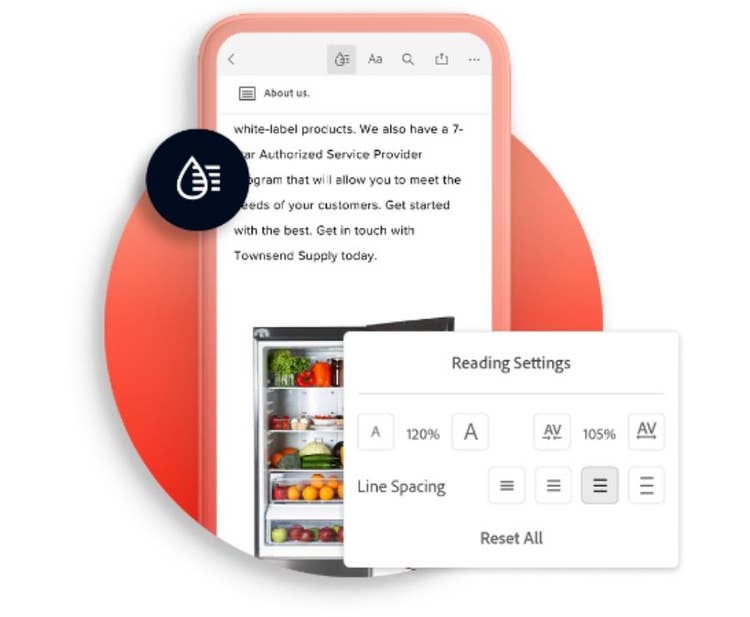
Extract pages from a PDF file